
How to Create WhatsApp Carousel Template With BotGenius
Carousel media templates are one of the most useful tools that let you display several pieces of media content like image & video elements in one message. Whether you want to draw your users attention to products, your store, services, a discount, new arrivals or even a website, this function gives you an eye-catching and […]
How to Send Automated WhatsApp Message on WP form Submission
In today’s digital world, communication is key to building strong relationships with customers. Automating responses not only saves time but also ensures that your customers feel valued and attended to promptly. If your website uses WP Forms for inquiries, feedback, or registrations, you have a golden opportunity to streamline communication by integrating automated WhatsApp messaging. […]
How to Import WhatsApp Contacts from a Google Sheet
One of the most used and valuable features of BotGenius is the imported contacts or subscribers. Before, BotGenius was only allowed to import subscribers or contacts from a CSV file, but now BotGenius has the option to import WhatsApp contacts from a Google Sheet. From this article, you will learn how to import subscribers or […]
Solution – This message was not delivered to maintain healthy ecosystem engagement
WhatsApp is a powerful tool for businesses to connect with customers. “This message was not delivered to maintain a healthy ecosystem engagement.” Or “In order to maintain a healthy ecosystem engagement the message failed to be delivered” If you’ve faced this issue, it’s likely due to WhatsApp’s Per-User Marketing Template Message Limits, a system designed […]
WhatsApp No Match Reply Bot and its Frequency Setup
We may have plenty of WhatsApp chatbots on BotGenius configured to respond to specific keywords, with each chatbot replying based on its designated keyword(s). What if a user sends a message that doesn’t match any of the keywords set up in our chatbots? We wouldn’t want to leave any subscriber’s message unattended, right? That’s where […]
Recurring Notification (RCN) Postback Manager on Facebook Messenger With BotGenius
What is Recurring Notification (RCN) ? RCN stands for Recurring Notification. This is a feature from Facebook which allows pages to send promotional messages to the interested followers through Messenger chat. This is a useful thing for sending messages to a massive number of followers at once. This is a useful tool for broadcasting to […]
How to set up persistent menu in messenger and its use case Using BotGenius
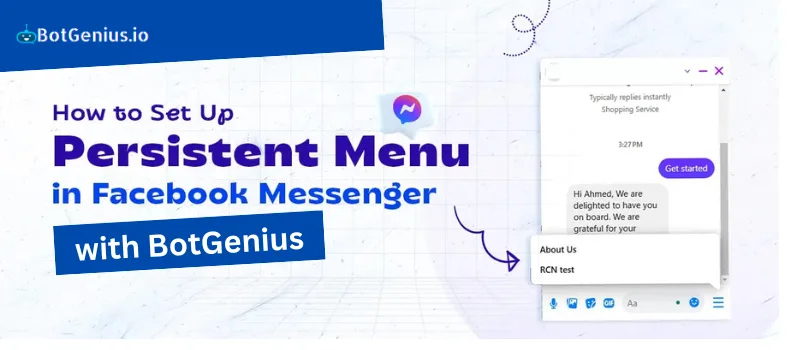
Introduction Persistent menu is basically a feature from Facebook Messenger which people find useful to get started with. This feature lets business owners and followers communicate easily for exchanging information or access the useful features. When someone clicks the message button, a menu stays always visible in the inbox, providing easy access to the key […]
How to Send Messenger Chatbot Data to Third Party Website Using BotGenius Outbound Webhook.
Introduction Out-Bound webhooks are messengers in the web development world. They let one app send data or trigger actions in another app using HTTP requests. This creates a real-time pipeline for information and event notifications. Whenever something interesting happens in one app (like a new order or a completed task), it can send a webhook […]
How to Integrate a Website Chatbot Into Your WordPress Site
How to Integrate a Website Chatbot Into Your WordPress Site What is Native Website Chatbot? Native website chatbots are automated conversational agents that are integrated into the website to allow users to communicate with them without leaving the site or using any other external applications. Such chatbots can assist in real time, answer questions, guide […]
What is the 24-Hour Rule and How to Comply Effectively
Understanding the 24-Hour Rule for WhatsApp and Facebook Messaging In the world of instant communication, platforms like WhatsApp and Facebook Messenger have implemented rules to maintain user privacy and control over messaging. One such important regulation is the 24-hour rule, which governs how businesses interact with users. This article delves into the details of the […]