How to Create WordPress Users via HTTP API Integration with BotGenius for WhatsApp Integrating external APIs into chatbot workflows can significantly enhance automation and streamline user experiences. In this blog,
Here is the detailed blog you can add at the beginning of “Automate Business with BotGenius Webhook Workflow Integrations Guide” to explain How to Work with Webhook Workflow: How to
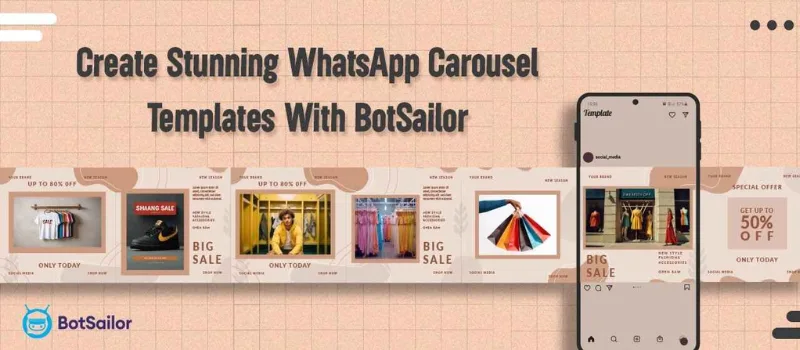
Carousel media templates are one of the most useful tools that let you display several pieces of media content like image & video elements in one message. Whether you want
In today’s digital world, communication is key to building strong relationships with customers. Automating responses not only saves time but also ensures that your customers feel valued and attended to
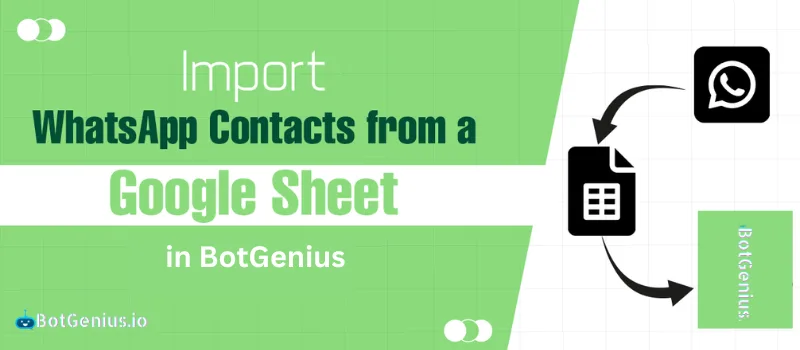
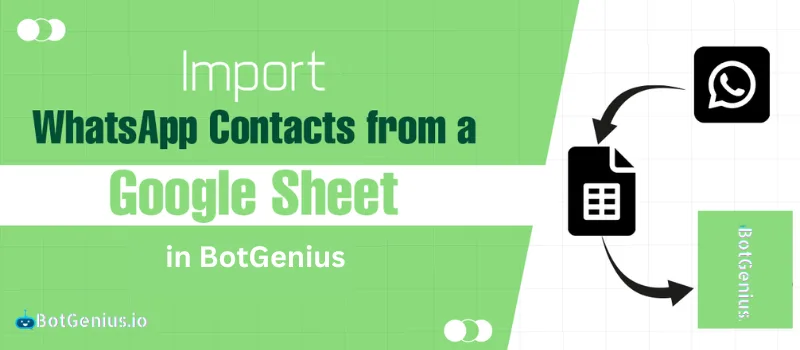
One of the most used and valuable features of BotGenius is the imported contacts or subscribers. Before, BotGenius was only allowed to import subscribers or contacts from a CSV file,
WhatsApp is a powerful tool for businesses to connect with customers. “This message was not delivered to maintain a healthy ecosystem engagement.” Or “In order to maintain a healthy ecosystem
We may have plenty of WhatsApp chatbots on BotGenius configured to respond to specific keywords, with each chatbot replying based on its designated keyword(s). What if a user sends a
What is Recurring Notification (RCN) ? RCN stands for Recurring Notification. This is a feature from Facebook which allows pages to send promotional messages to the interested followers through Messenger
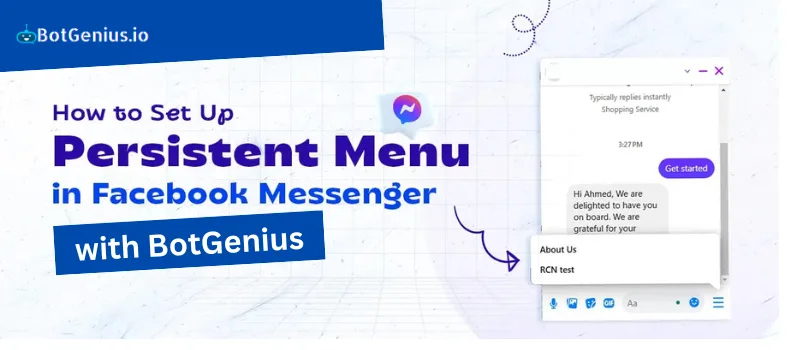
Introduction Persistent menu is basically a feature from Facebook Messenger which people find useful to get started with. This feature lets business owners and followers communicate easily for exchanging information